Feeling stuck in job hunt chaos? These 5 ChatGPT hacks make writing resumes, prepping interviews, and staying sane easier than ever.
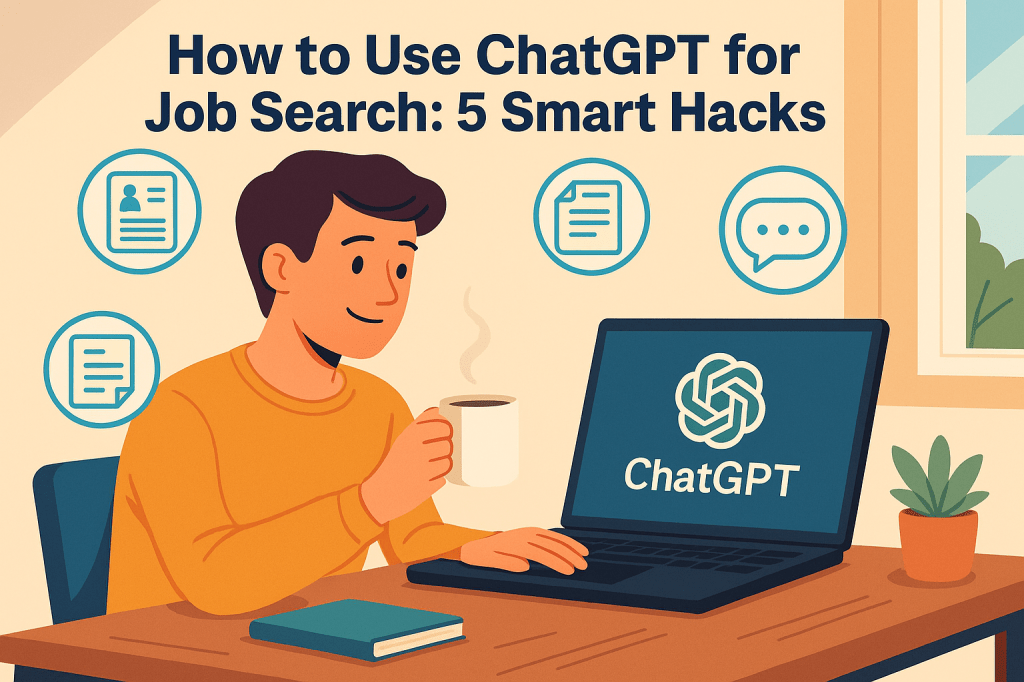
I’ll be honest with you—job hunting drained me. Not physically, but mentally. Each click on a job post felt like tossing my hope into a black hole. You know the feeling, right? You open a dozen tabs, write twenty versions of the same résumé, second-guess every bullet point, and by the end of the day, your eyes hurt, your brain’s foggy, and your confidence is somewhere under the bed hiding next to your Wi-Fi router.
But then something clicked.
One night, while tweaking yet another cover letter that I was 90% sure no one would read, I gave ChatGPT a shot. Not for fun—out of sheer burnout. I typed, “Write me a cover letter for this marketing role at HubSpot based on this job description.” I copied the ad from LinkedIn. And to my surprise—it worked. The draft wasn’t perfect, but it sounded like me. Just more polished, less panicked.
That little spark changed everything. I went down a rabbit hole of testing prompts, creating custom AI workflows, and soon enough… things got easier. Faster. Less stressful. ChatGPT didn’t just save me time—it saved my sanity.
So if you’re job hunting right now, stuck between burnout and the terrifying unknown, this post is for you. I’m sharing the exact five hacks I use with ChatGPT to make job hunting actually bearable—and sometimes (don’t hate me for saying this)… kinda fun.
Let’s get into the first one.
Hack #1: Tailor Every Resume with a 30-Second Prompt
I used to write my resume like it was a one-size-fits-all t-shirt. Generic. Basic. Desperate to please everyone and ending up pleasing no one.
And I wondered why I wasn’t getting callbacks.
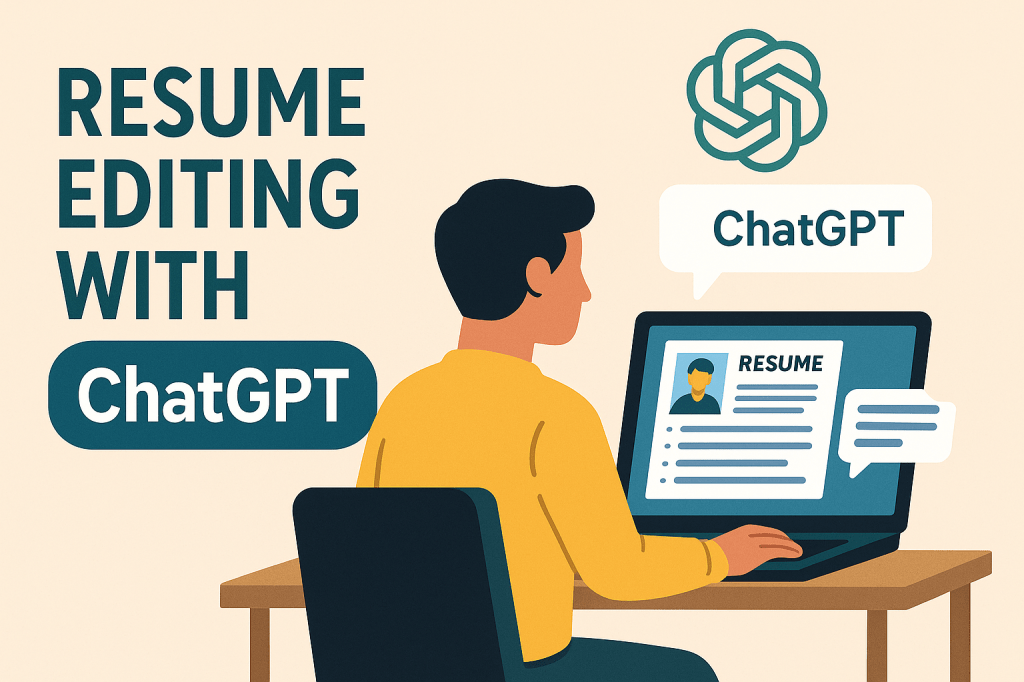
The first big win I had with ChatGPT came from a ridiculously simple resume prompt. I dropped the job ad into ChatGPT and asked:
“Rewrite my resume bullets to match this job description. Make it ATS-friendly and focus on results.”
Then I pasted my original resume below it. What came back? Gold. It rearranged my bullet points, plugged in missing keywords, and made everything sound confident—without sounding fake.
Here’s a better version of the prompt I use now:
“Based on the following job post, rewrite my resume for maximum keyword alignment. Keep a natural tone and use metrics where possible.”
This little trick hits right where it matters—ATS optimization. If you’re unfamiliar, most companies now use Applicant Tracking Systems to scan your resume before a human even reads it. If your resume doesn’t match the job description closely enough (especially the keywords), it’s ghosted.
ChatGPT is amazing at spotting keyword mismatches and rewriting your content to fit the role—without sounding robotic.
Bonus Tool: Want to level it up? Use Jobscan alongside ChatGPT. Copy your optimized resume and job description into it, and you’ll get a match score. Then go back to ChatGPT and say:
“Improve this resume to raise my Jobscan match score above 80%.”
It’s like having a resume coach, recruiter, and writing assistant—without the awkward Zoom calls.
Next up, I’ll share how I use ChatGPT to create cover letters that don’t sound like a 1997 email to HR.
Hack #2: Write Cover Letters Without Crying Into Your Keyboard
You know what I hate more than root canals and rainy Mondays? Writing cover letters.
They always felt like performative nonsense. Say just enough to impress but not so much you sound desperate. Add personality—but stay professional. Show enthusiasm—but don’t oversell. It’s like walking a tightrope while juggling flaming bowling pins.
And let’s be honest: most of us just copy-paste our old ones, change the company name, and pray no one notices.
But this is where ChatGPT started to really pull its weight.
Instead of trying to write from scratch, I fed it my resume and the job post, then asked:
“Write a brief, compelling, and conversational cover letter tailored for this role. Show passion and mention these three skills…”
Then I’d list my top 3 strengths. And boom—out came a draft that actually sounded like someone wanted to hire me.
Was it perfect? Not quite. But it gave me a solid starting point. It nailed the structure: a strong opening, a clean middle showing alignment with the company’s goals, and a polite, hopeful ending.
But the real magic happens when you personalize it. I’d ask ChatGPT:
“Add a short anecdote about leading a content strategy project that improved organic traffic by 200%.”
Suddenly, my cover letter wasn’t a vague plea—it was a story.
Try This Prompt:
“Using the job description below and my resume, write a short, punchy cover letter that connects my experience with the role’s needs. Keep it friendly, confident, and skip the fluff.”
Bonus tip: If you want to stand out even more, ask ChatGPT to reformat your letter as a casual email. Something like:
“Write this as a conversational email I can send directly to a hiring manager on LinkedIn.”
That small switch—from formal doc to human email—sometimes makes all the difference.
Hack #3: Prep for Interviews Like You’ve Got a Secret Coach
Interviews used to make my stomach feel like a sock full of bees.
The waiting room. The sweaty palms. The “Tell me about a time when…” that instantly makes your brain go blank. Even when I knew I had the skills, the nerves always tried to convince me otherwise.
Enter ChatGPT, again.
One night before a panel interview, I fed ChatGPT the job description and asked:
“What are the 10 most likely behavioral interview questions for this role? Give me STAR-format sample answers based on my resume.”
It gave me a full list—each question followed by a calm, logical, STAR-style answer. I practiced them like flashcards. By morning, I walked into the interview feeling like I already knew what they’d ask.
And guess what? Three of the questions were word-for-word what ChatGPT had predicted.
Bonus Prompt to Try:
“Based on this job ad, generate behavioral interview questions using the STAR format. Focus on leadership, problem-solving, and team collaboration.”
Even better? You can ask ChatGPT to role-play the entire interview.
“Pretend you’re the hiring manager. Ask me five tough follow-up questions after I give this answer…”
It’s like having a no-judgment interview partner who doesn’t care if you stumble or say “umm” eight times in a row.
This trick also helps with something most people forget: tone. ChatGPT can suggest ways to sound more enthusiastic or confident without being pushy. It catches those little details that sometimes make or break how you’re perceived.
And the best part? No sweaty handshakes required.
Hack #4: Prompt Your Way to Confidence (Yes, That’s a Thing)
Job hunting doesn’t just mess with your time—it messes with your head. After enough ghosted applications and awkward interviews, it’s easy to start questioning your own worth.
And that’s something no résumé template can fix.
So I started using ChatGPT not just as a tool, but almost like a sounding board. When I doubted whether I was “good enough” for a position, I’d literally prompt it with:
“List 5 reasons why someone with my background would be a strong candidate for this job.”
Then I’d paste the job description and my resume below.
What came back? A pep talk. Specific, fact-based reasons that reminded me—hey, I’m not winging this. I am qualified. I do bring value. I just needed to see it in black and white.
When I needed to rewrite an awkward sentence in my LinkedIn summary or wanted to describe my experience without sounding boring or repetitive, I asked:
“Help me describe this project in a confident, engaging, and easy-to-read way.”
Every time I hit a mental wall, ChatGPT helped me climb over it.
And that confidence carried over into my emails. Into my interviews. Into the way I talked about myself without feeling like I was bragging. It was like having a pocket-sized writing coach and therapist rolled into one, minus the hourly fee.
If you’ve ever stared at a blank screen thinking, “I have no idea how to make myself sound impressive without sounding full of it,” this is the hack for you.
Hack #5: Automate the Stress Out of Your Job Hunt
Let me tell you a secret: most of my job hunt anxiety came from feeling disorganized.
I’d forget which company I applied to. I’d spend 30 minutes rewriting the same sentence for a resume bullet. Or worse—I’d send the wrong version of a cover letter to a company and realize after hitting send.
That’s when I realized it wasn’t me failing—it was my workflow.
So I started pairing ChatGPT with tools like Notion and Trello to build a mini job hunt system. ChatGPT wrote the content, and the apps helped me track it all.
Here’s what it looked like:
- I created a “Job Hunt Dashboard” in Notion.
- For each job, I tracked: company name, job title, link, date applied, and status.
- ChatGPT filled in each application piece: resume tweaks, cover letter drafts, interview prep.
And when I needed a quick refresh on a company before a call? I’d ask:
“Summarize this company’s mission and recent news from their website.”
(Then I’d paste in the link to their ‘About’ or ‘News’ page.)
It felt like leveling up. Like I had a tiny team helping me run a freelance agency… except I was the product.
The cherry on top? I stopped dreading Mondays. When my system was ready and my prompts were prepped, all I had to do was sit down and go. No stress. No chaos. Just momentum.
Final Thoughts
If you’ve been feeling stuck, discouraged, or downright exhausted from job hunting—I get it. I’ve been there, staring at another rejection email while questioning if I’ll ever break through.
But ChatGPT gave me a way to take control again. Not by doing everything for me, but by making everything just a little bit easier, faster, and clearer.
So whether you’re fixing up your resume, writing a cover letter, or just trying not to lose your mind during the job search rollercoaster, try using one of these hacks. They helped me breathe again. Maybe they’ll help you too.
And that’s all I wanted to share.
No sales pitch. No big finale. Just a quiet nod from one job seeker to another:
You’re doing better than you think. Keep going.
If you’re nodding along thinking, “Hey, this was actually helpful—and didn’t make me want to scream into a throw pillow,” then I’ve got good news.
You can subscribe to my blog at PassiveWriting.com and get all my latest posts sent straight to your inbox. No spam. No fluff. Just smart, real-life content that helps you job hunt without losing your mind.
But hey—if you’re more of a “let it play in the background while I sip coffee and pretend to be productive” kind of person, I get that too. You can listen to my Passive Writing Auto Podcast on Spotify where I share all this goodness (and probably overshare a little) through your headphones.
And if you’re curious about who this Kaspar Moon guy really is, or why I’ve written everything from tech rants to heartfelt writing guides, feel free to stalk me responsibly right here. You’ll find stories, behind-the-scenes bits, and the chaos that fuels it all.
Lastly—and only if your heart (and wallet) say “yes”—you can buy me a tiny coffee or a big ol’ thank you over on Ko-fi. It helps fuel the writing, the podcasting, and possibly a slice of pizza or two during late-night editing sessions.
Thanks for being here. You could be anywhere else, but you chose this corner of the internet. That means more than you know.